August 18, 2026
9 Best AI Spend Dashboard Tools in 2026 to Cut LLM Costs
This 2026 guide compares 9 AI Spend Dashboard tools to track tokens, attribute costs, enforce budgets, and cut LLM spend. See our picks.

TL;DR
98% of FinOps teams now manage AI spend, but 73% still blow their budgets. AI spend dashboards give you visibility into where the money goes, whether that’s LLM API tokens, SaaS subscriptions, or cloud GPU costs. This guide covers nine tools across two categories (engineering-level and enterprise-level), compares them on price, attribution depth, and budget enforcement, then explains the critical gap every dashboard leaves open: how to actually reduce the bill once you can see it. The missing piece for most teams is automated context compression applied before tokens reach the LLM.
Why AI Spend Dashboards Matter Right Now
The numbers tell a stark story. According to the FinOps Foundation’s State of FinOps 2026 survey (1,192 respondents managing $83B+ in cloud spend), 98% of organizations now actively manage AI costs, up from just 31% two years ago. Yet 73% of those same organizations report that AI costs have blown past their original budgets.
What is an AI Spend Dashboard?
An AI spend dashboard is a financial observability and management tool that tracks, allocates, and optimizes costs associated with artificial intelligence workloads. They operate at two distinct levels:
-
LLM API Gateways & Observability Tools: Track per-request token usage, latency, and costs across providers (OpenAI, Anthropic, Google) for engineering teams.
-
Enterprise FinOps Platforms: Unify multi-cloud GPU infrastructure, SaaS subscriptions (e.g., ChatGPT Enterprise, Cursor licenses), and department-level allocations for finance and IT procurement.
The top requested capability across the entire survey? Granular monitoring of AI spend: tokens, LLM requests, GPU utilization. In other words, an AI spend dashboard.
But “AI spend dashboard” means different things to different teams. Two distinct buyer personas search for this term:
Engineering and DevOps teams need per-request token cost attribution, latency tracking, and budget enforcement across LLM providers like OpenAI, Anthropic, and Google. They care about spans, traces, and model-level breakdowns.
FinOps and finance teams need to unify AI SaaS subscription costs (Cursor seats, ChatGPT Enterprise licenses) alongside API spend and cloud GPU costs. They care about department-level allocation, shadow AI discovery, and vendor consolidation.
The tools below are organized accordingly. Scan the comparison table to find your category, then read the detailed breakdown for the tools that match your situation.
If you’re already past the “visibility” stage and want to start reducing AI costs without degrading quality, skip to Section 3.
At-a-Glance Comparison Table
| Tool | Category | Starting Price | Cost Attribution Depth | Budget Enforcement | Self-Host Option | Best For |
|---|---|---|---|---|---|---|
| Helicone | LLM API | Free (Pro $79/mo) | Per-request, per-user | Alerts only | Yes (open source) | Fastest setup for LLM cost tracking |
| Langfuse | LLM API | Free (Core $29/mo) | Per-trace, per-model, per-user | No (observe only) | Yes (MIT license) | Full-stack LLM observability with cost views |
| LiteLLM | LLM API | Free (self-host) | Per-key, per-user, per-team | Yes (hard limits) | Yes (open source) | Teams already using a proxy gateway |
| Portkey | LLM API | Usage-based (per log) | Per-request, per-provider | Via gateway rules | Open-source gateway | Cost tracking + intelligent routing |
| Braintrust | LLM API | Free tier available | Per-span (traces) | No | No | Cost tracking + prompt experimentation |
| Datadog LLM Obs | Enterprise | $160/mo (Pro) | Per-LLM-span | No | No | Existing Datadog customers |
| CloudZero | Enterprise | Custom (~1% of spend) | Per-team, per-feature, per-customer | Alerts + governance | No | Enterprise multi-cloud AI cost allocation |
| Vantage | Enterprise | Free (Pro $30/mo) | Per-provider, per-workspace | Alerts | No | Developer-friendly multi-cloud cost visibility |
| Torii | Enterprise | Custom | Per-employee, per-app | License controls | No | IT/procurement managing AI SaaS subscriptions |
| How to Determine Which Category You Need |
Choosing the wrong category leads to either overpaying for enterprise software or missing critical token-level waste. Use this quick decision matrix to identify your primary operational need:
-
Token-level attribution: Needs a Proxy Gateway or Observability SDK. Recommended category: API-Level Dashboard (e.g., Helicone, Langfuse).
-
Hard budget limits: Needs real-time proxy request rejection. Recommended category: Budget-Enforcing Gateway (e.g., LiteLLM).
-
SaaS & shadow AI discovery: Needs Identity Provider & HRIS integration. Recommended category: SaaS Management Platform (e.g., Torii).
-
Multi-cloud GPU & infrastructure: Needs cloud billing ingestion (AWS/GCP/Azure). Recommended category: Enterprise Cloud Cost Platform (e.g., CloudZero).
LLM API-Level AI Spend Dashboards
These tools sit between your application code and the model providers. They capture every request, count tokens, calculate costs, and surface the data in dashboards your engineering team can act on.
1. Helicone
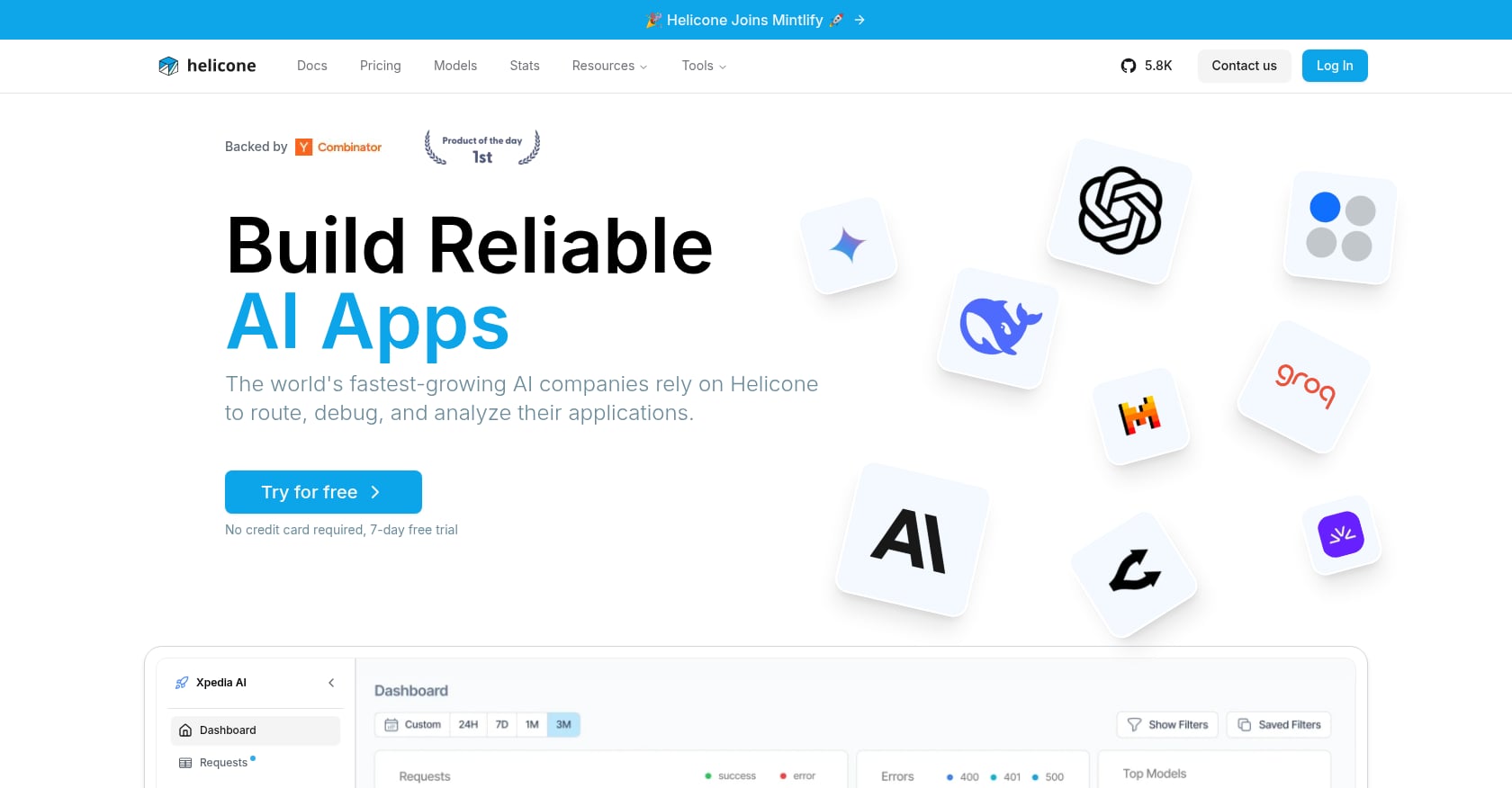
Best for: Developers who want the fastest possible setup for LLM cost tracking.
Helicone is an open-source LLM observability platform backed by Y Combinator (W23). The pitch is simple: change one API base URL and you immediately get cost breakdowns, latency percentiles, session analytics, and user-level tracking. No SDK integration, no code refactoring.
Key features:
-
One-line proxy setup (swap the API URL, done)
-
Cost breakdowns by model, user, session, and time window
-
Latency percentile tracking (p50, p95, p99)
-
Request-level logging with full prompt/response visibility
-
Custom properties for tagging requests by feature or environment
Pricing:
-
Free tier with limited log retention
-
Pro: $79/month
-
Team: $799/month (adds SOC 2, HIPAA, 5 organizations, dedicated Slack, 3-month retention, 15K logs/minute ingestion)
Tradeoffs:
-
The tracing model is flatter than competitors. It works at the request level, not the span level, which limits visibility into multi-step agent workflows.
-
The pricing jump from $79 to $799 is a 10x step to reach compliance features. Teams in the middle get squeezed.
What practitioners say: For teams that need to answer “how much are we spending and on what,” Helicone delivers that answer fast. Practitioners on Reddit’s r/LLMDevs forum frequently recommend it as the lowest-friction starting point, particularly for early-stage startups that just need basic cost visibility without a week-long integration project.
2. Langfuse
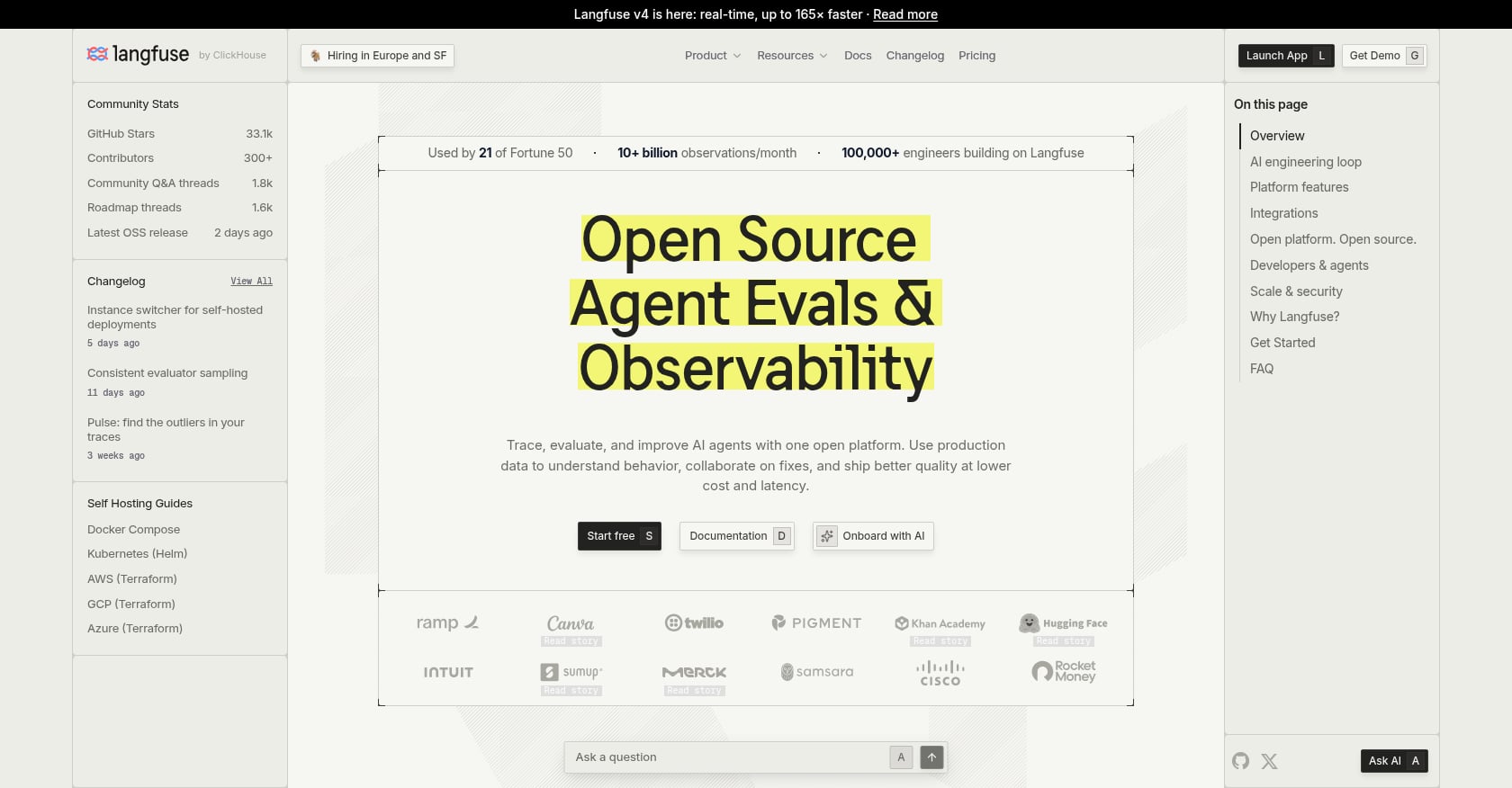
Best for: Teams that want full-stack LLM observability (tracing, evals, prompts) with cost dashboards included.
Langfuse has become the default open-source option in LLM observability. Built natively on top of ClickHouse for high-throughput analytical storage, it handles heavy log volumes with ease. The platform goes well beyond cost tracking, covering prompt management, evaluation pipelines, and detailed trace visualization, but the cost dashboard is a core part of the package.
Key features:
-
Automatic cost calculation based on model and token counts
-
Granular usage types: input tokens, output tokens, cached tokens, audio tokens, image tokens
-
Dashboard views showing cost trends over time with breakdowns by model, user, or feature
-
Nested trace visualization for multi-step LLM workflows
-
Unlimited users on all paid plans
Pricing:
-
Hobby: $0
-
Core: $29/month
-
Pro: $199/month
-
Enterprise: $2,499/month
-
All paid plans add $8 per 100K observation units beyond the included limit
Tradeoffs:
-
Langfuse tracks costs at the observability layer, not the infrastructure layer. It can monitor and report on costs but cannot actively enforce budgets or reject requests that exceed limits.
-
Self-hosting is viable under the MIT license, but it requires running ClickHouse, which adds operational overhead.
-
The cost dashboard, while useful, is secondary to Langfuse’s primary identity as a tracing and eval platform. Teams who only need a spend dashboard may find the full platform heavier than necessary.
What practitioners say: A detailed pricing teardown on Dev.to notes that Langfuse’s unlimited-user model makes it attractive for larger teams, since you’re paying per observation volume rather than per seat. The Core plan at $29/month with unlimited seats is unusually generous compared to competitors.
3. LiteLLM
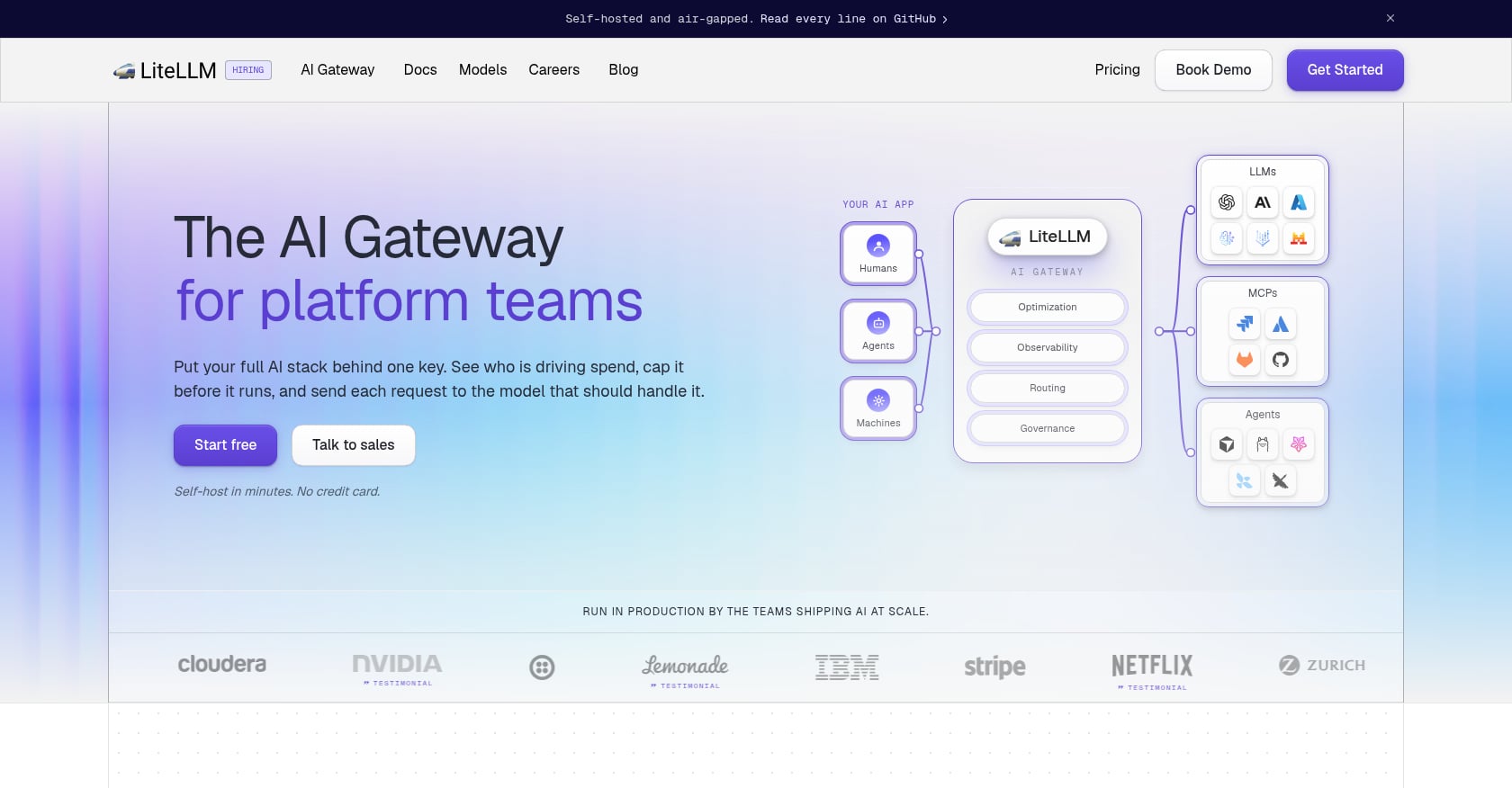
Best for: Teams already routing LLM calls through a proxy who want spend tracking and budget enforcement without adding a new vendor.
LiteLLM is an open-source Python proxy that provides a unified OpenAI-compatible interface across 100+ LLM providers. You point your application at the LiteLLM gateway instead of directly at OpenAI or Anthropic, and it handles routing, fallbacks, and spend tracking automatically.
Key features:
-
Automatic spend tracking for all known models with provider-specific cost metadata
-
Budget limits by API key, user, or team with hard enforcement (requests get rejected when the budget is hit)
-
Unified API interface across OpenAI, Anthropic, Google, Azure, Bedrock, and 100+ others
-
Load balancing and fallback routing between providers
-
Docker-based self-hosting
Pricing:
-
Free for self-hosted (you pay your own infrastructure costs)
-
Enterprise: contact sales (adds SSO, RBAC, advanced team-level budget enforcement)
Tradeoffs:
-
Engineering teams often focus on the $0 price tag without accounting for total cost of ownership. Running a LiteLLM gateway in production requires dedicated engineering time for monitoring, upgrades, and incident response.
-
SSO, RBAC, and team-level budget enforcement sit behind the enterprise paywall. You can’t plug in corporate Okta on the open-source version.
-
Below roughly 5M requests per month, managed solutions are often cheaper when factoring in the labor cost of operating the proxy.
If your team already runs LiteLLM as a gateway, you can layer compression into the proxy using a LiteLLM guardrail integration to reduce token counts before they hit the model, turning your routing layer into a cost optimization layer too.
What practitioners say: A common thread on Reddit is that LiteLLM is “the Swiss Army knife of LLM routing,” but several practitioners warn that the open-source version can be tricky to operate at scale. One developer in r/LLMDevs noted that their team spent more time maintaining LiteLLM infrastructure than they saved on vendor lock-in avoidance, at least until they crossed the threshold where self-hosting economics clearly won.
4. Portkey
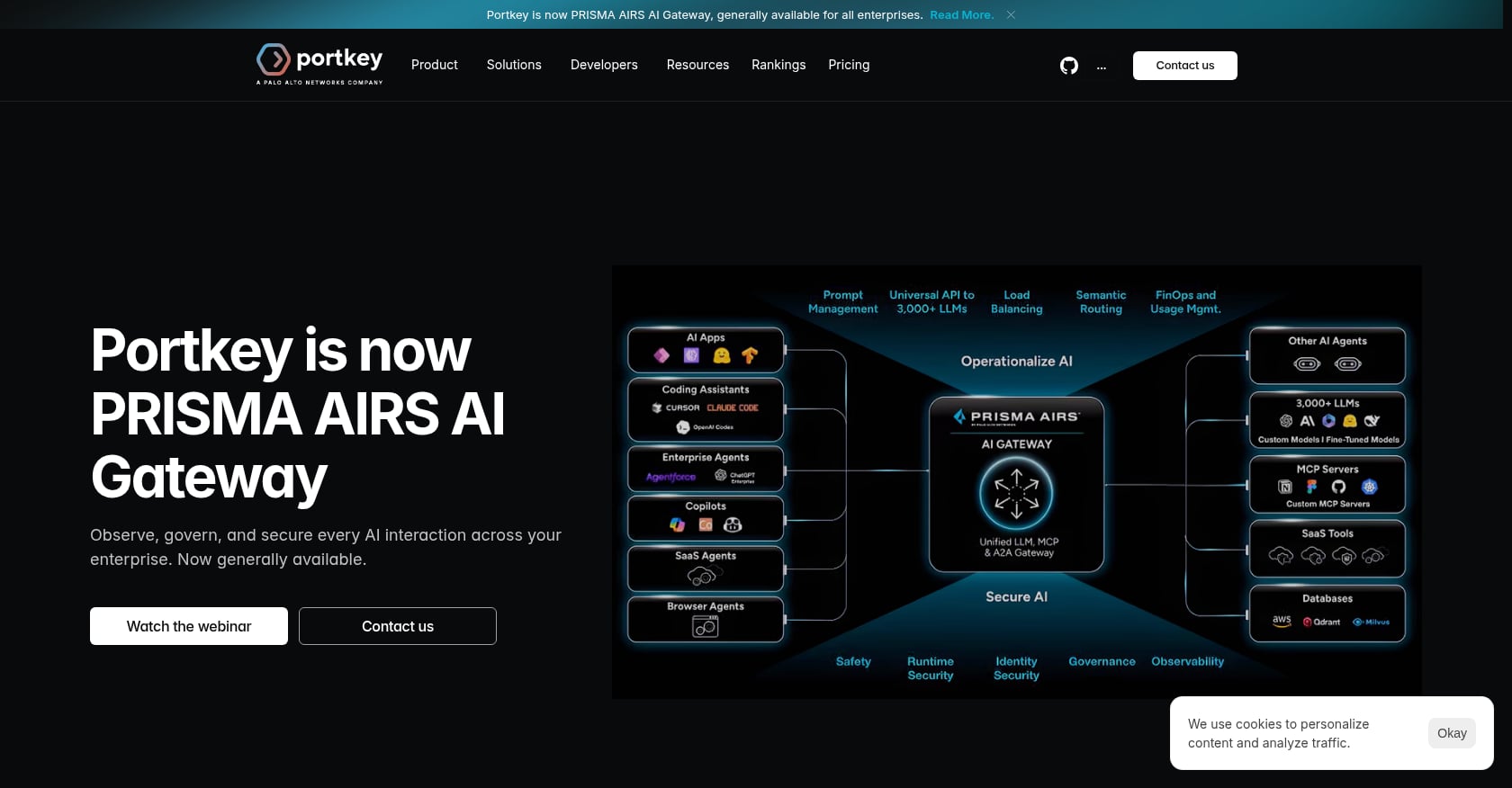
Best for: Teams that want cost tracking and intelligent routing (fallbacks, caching, load balancing) in a single gateway.
Portkey is an end-to-end LLM orchestration platform: a control plane sitting between your application and the dozens of model providers you might call. Instead of wiring up separate SDKs for each provider, everything routes through one interface. The platform has tracked $180M in LLM spend across 3,500+ models, giving it deep pricing data.
Key features:
-
Real-time API request recording with cost and guardrail violation tracking
-
Open-source pricing database covering 2,300+ models
-
Intelligent routing: automatic fallbacks, load balancing, and conditional model selection
-
Prompt caching to reduce redundant calls
-
Guardrails for content filtering and compliance
Pricing:
-
Usage-based, metered on “recorded logs” (a metric specific to observability-focused AI gateways)
-
Free tier available; paid plans scale with log volume
Tradeoffs:
-
The usage-based pricing model makes cost prediction harder compared to flat-rate tools like Langfuse or Helicone.
-
Backed by top venture funds, the platform has tracked $180M+ in LLM spend across 3,500+ models, giving it deep, granular pricing data.
-
The gateway model means all LLM traffic passes through Portkey’s infrastructure (or your self-hosted instance), which is a consideration for teams with strict data residency requirements.
5. Braintrust
Best for: Engineering and product teams that want LLM cost tracking paired with prompt experimentation and quality evaluation.
Braintrust takes a different angle than pure spend dashboards. It combines cost tracking with an experimentation platform that lets you test prompt variations, compare models, and run evaluations, all while tracking the cost of each approach. This makes it particularly useful for teams trying to optimize the cost-quality tradeoff rather than just staring at invoices.
Key features:
-
Traces capture every LLM call, retrieval step, and tool invocation as a span with input tokens, output tokens, latency, and estimated cost attached
-
Side-by-side prompt experimentation with cost comparison
-
Eval-based quality scoring alongside cost metrics
-
Dataset management for reproducible testing
Pricing:
-
Free tier available with core features
-
Paid plans for higher volume and team collaboration (contact for details)
Tradeoffs:
-
More suited to optimization workflows than pure spend dashboarding. If you just want a cost report, Braintrust carries extra complexity.
-
Smaller ecosystem and community than Langfuse or Helicone.
-
The focus on experimentation means the real-time monitoring capabilities are less mature than dedicated observability platforms.
Enterprise and FinOps AI Spend Dashboards
These tools operate at a higher level of abstraction. Instead of individual LLM requests, they track AI spend across SaaS subscriptions, cloud GPU costs, and API bills, then allocate those costs to business units, teams, or products. This is the category that finance teams and IT procurement care about.
1. Datadog LLM Observability
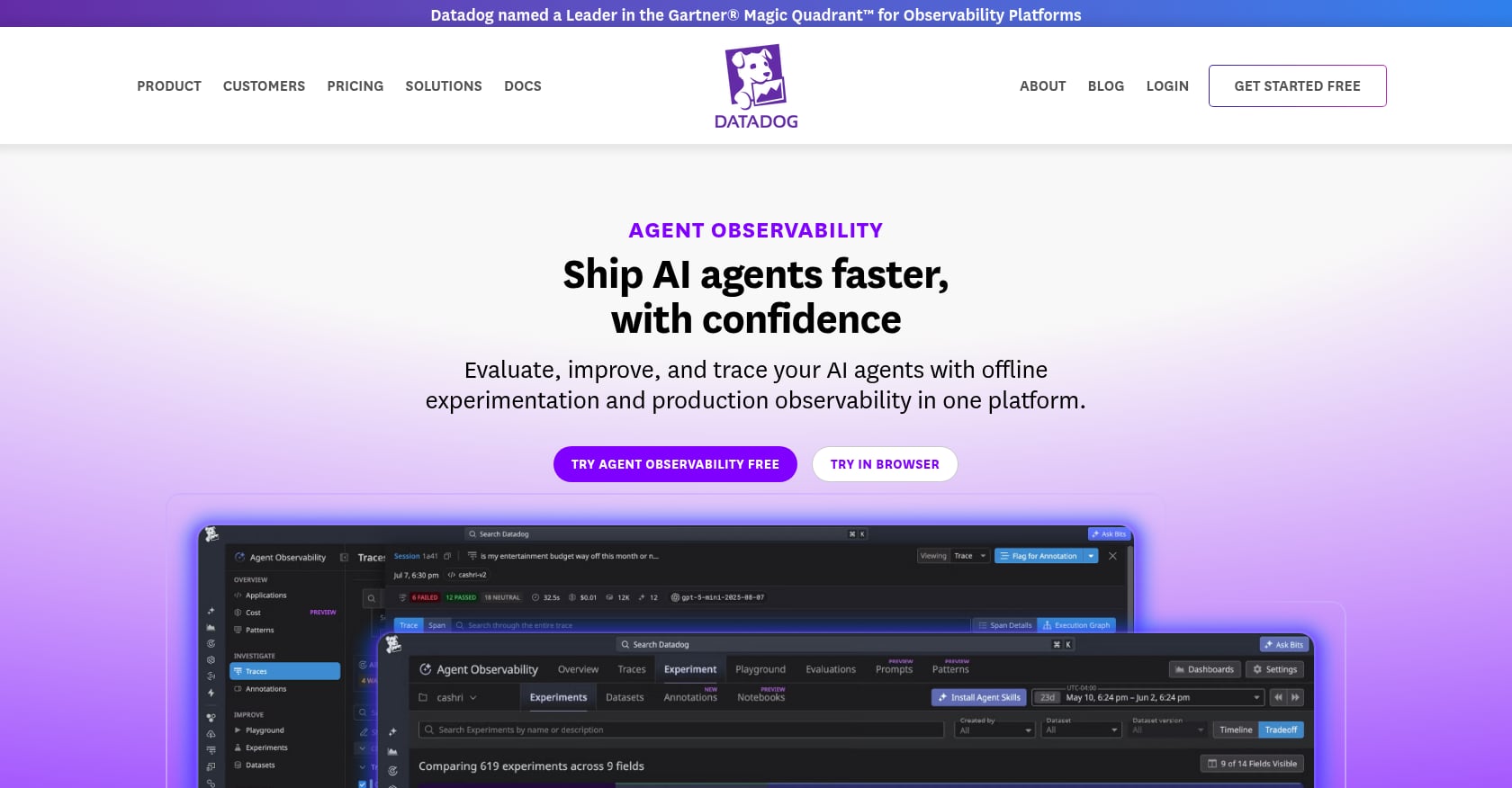
Best for: Organizations with existing Datadog deployments that want to add LLM cost visibility to their current APM stack.
Datadog’s LLM Observability product brings AI cost tracking into the same platform where most enterprise engineering teams already monitor infrastructure. LLM calls are captured as traces with token counts, cost, latency, and quality metrics attached, sitting alongside your existing application performance data.
Key features:
-
LLM call tracing with token counts and cost estimation
-
Integration with existing Datadog APM, logs, and infrastructure monitoring
-
Quality metrics (hallucination detection, topic classification) alongside cost
-
Dashboard builder with AI-specific widgets
Pricing:
-
40,000 LLM spans free per month
-
Pro starts at $160/month
-
Overage rates not publicly listed
Tradeoffs:
-
Datadog LLM Observability is a monitoring tool, not a gateway or proxy. It cannot enforce budgets or reject requests.
-
Adding AI workload monitoring to an existing Datadog bill can increase observability costs significantly. Teams report 40-200% bill increases when they turn on LLM monitoring. The irony of your cost monitoring tool dramatically increasing your costs is not lost on practitioners.
-
Pricing is per LLM span, which can escalate quickly for high-throughput applications.
For teams already deep in the Datadog ecosystem, adding LLM observability is the path of least resistance. For everyone else, the pricing model makes it hard to recommend as a starting point for AI spend tracking.
2. CloudZero
Best for: Mid-market and enterprise organizations that need AI plus cloud cost attribution at the business-dimension level.
CloudZero is a cloud cost intelligence platform that ingests data from multi-cloud environments, Kubernetes clusters, and AI services, then lets you slice costs by virtually any business dimension. Its standout feature is a dimensions engine that allocates 100% of AI costs to teams, features, and customers without requiring tags.
Key features:
-
Tag-free cost allocation using a proprietary dimensions engine
-
Multi-cloud support (AWS, Azure, GCP) plus AI service costs
-
Unit economics views (cost per customer, cost per feature, cost per transaction)
-
Anomaly detection and budget alerts
-
Executive reporting for FinOps governance
Pricing:
-
Custom quotes only (no self-serve pricing)
-
Rough benchmark: ~1% of cloud spend at $1M annual, dropping to ~0.6-0.7% at $10M+
Tradeoffs:
-
No self-serve pricing makes evaluation slow for smaller teams.
-
Requires meaningful cloud spend to justify the platform cost. If your AI spend is primarily LLM API calls under $10K/month, CloudZero is overkill.
-
Operates at the billing/infrastructure level, not the request level. It can tell you which team spent $50K on Anthropic last month, but not which specific prompts or features drove that cost.
For organizations managing enterprise-level LLM costs across multiple cloud providers and business units, CloudZero provides the executive-level visibility that engineering tools can’t match.
3. Vantage
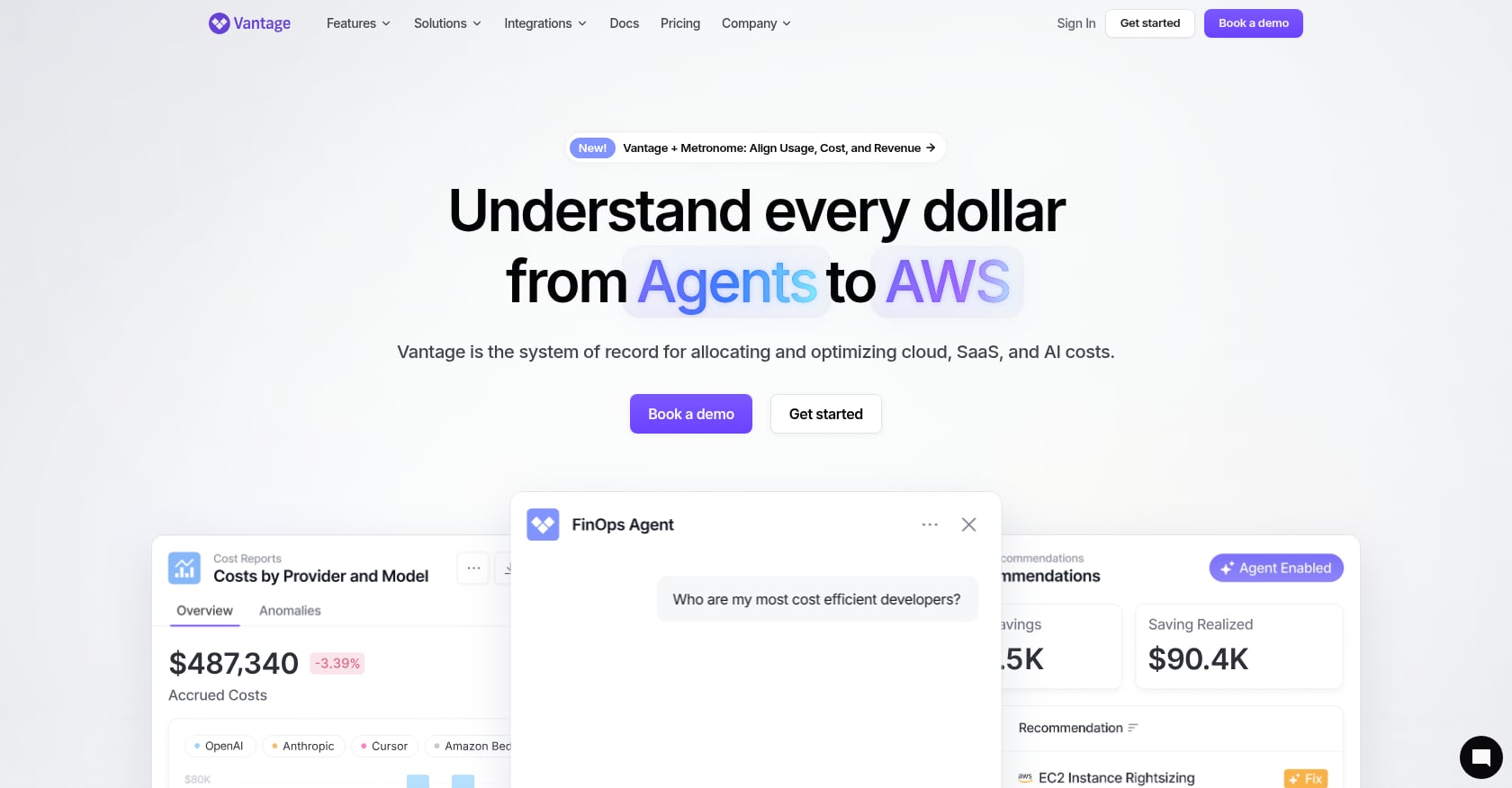
Best for: Developer-friendly multi-cloud cost visibility with AI providers included at an accessible price point.
Vantage is a cloud cost management platform that supports AWS, Azure, GCP, Kubernetes, Datadog, Snowflake, OpenAI, Anthropic, and 25+ total providers. It’s broader than a pure AI spend dashboard, but its ability to include AI provider costs alongside traditional cloud spend makes it attractive for teams that don’t want separate tools for each category.
Key features:
-
Multi-provider cost aggregation across cloud and AI services
-
Virtual tagging for cost allocation without infrastructure changes
-
Autopilot recommendations for cloud cost optimization
-
Kubernetes cost visibility
-
Slack and email alerts for budget thresholds
Pricing:
-
Starter: Free (up to $2,500 in tracked monthly spend)
-
Pro: $30/month
-
Business: $200/month
-
Enterprise: Custom
Tradeoffs:
-
Vantage is a broader cost platform that happens to include AI costs rather than an AI-specific tool. The AI-specific features (per-request attribution, token-level tracing) are shallower than dedicated LLM observability tools.
-
Best suited for teams that want a single pane of glass across all infrastructure costs, not for teams that need deep LLM request-level insights.
-
The free tier’s $2,500 monthly spend cap means most production workloads will need a paid plan quickly.
4. Torii
Best for: IT and procurement teams managing AI SaaS subscriptions and shadow AI rather than API token costs.
Torii provides dedicated AI spend controls through its SaaS management platform. The focus is on the procurement side of AI costs: who has licenses, what they’re using, and what’s being purchased outside IT’s visibility.
Key features:
-
AI Dashboard slicing usage by employee, model, and time window
-
Shadow AI discovery (surface AI tools purchased outside IT budgets)
-
License utilization tracking for Cursor, Claude, ChatGPT, and similar tools
-
Automated workflow triggers for onboarding/offboarding AI tool access
-
Integration with HR systems for employee-level attribution
Tradeoffs:
-
Focused entirely on SaaS-level spend. Doesn’t help engineering teams debug token-level waste or optimize API costs.
-
No per-request LLM cost attribution.
-
Most valuable for organizations where 56% of AI tool spending happens outside IT budgets, according to IDC data. If your AI spend is primarily API calls managed by engineering, Torii won’t solve your problem.
The shadow AI problem is real. The Zylo 2026 SaaS Management Index shows AI-native spend up 108% overall and 393% inside enterprises over 10,000 employees. Much of that growth happens through individual credit card purchases that never cross a procurement desk.
What AI Spend Dashboards Show You (And What They Can’t Fix)
Every tool above answers the same question: “Where is the money going?” That question matters. You can’t optimize what you can’t see, and the FinOps Foundation survey confirms that granular AI spend monitoring is the most requested capability in the industry.
But here’s the gap that none of these dashboards close on their own: they show you the problem without solving it.
A practitioner quoted in the FinOps 2026 report captured this perfectly: “Is your AI providing value? No one can answer that question yet.” Dashboards tell you the cost side of that equation. The value side, and the optimization work needed to improve the ratio, requires different tools.
The FinOps Foundation locates 80-90% of AI expenditures in inference, not training. That means the costs showing up on your dashboard are driven primarily by the tokens your application sends and receives in production. And those costs spiral for specific, well-documented reasons.
Why AI costs spiral in production
Long contexts, retries, agent tool loops, and reasoning models can multiply per-request costs by 10x before the increase appears on the monthly invoice. Research from ByteDance published on arXiv found that coding agent costs arise from quadratically growing token counts with each turn, the high price of state-of-the-art models, and the large number of turns required for real-world tasks.
A Mavvrik study from 2025 found that 50% of AI product companies don’t track LLM API costs at all. Among those who do track, practitioners consistently report that 20-40% of spend is wasted, not because models are bad, but because prompts and execution paths aren’t treated as production assets.
The four optimization levers
Once your AI spend dashboard reveals the waste, you have four primary levers to reduce it:
-
Model routing: Use cheaper models for simple tasks, expensive models only when quality demands it. This is what tools like LiteLLM and Portkey enable through their gateway routing features.
-
Prompt caching: Reuse responses for identical or near-identical prompts. Effective for repeated queries but useless for unique inputs. Read more about prompt caching vs. compression to understand when each applies.
-
Prompt engineering: Manually trim instructions and context. Effective but labor-intensive, doesn’t scale, and requires ongoing maintenance as models and use cases evolve.
-
Context compression: Automatically reduce the number of tokens fed into an LLM’s prompt without destroying the information needed for accurate responses. Since LLM costs scale linearly with input tokens, a 50% reduction in input tokens translates directly to a 50% reduction in input token costs.
Context compression is the only lever that works automatically across all requests, doesn’t require model changes, and scales without ongoing manual effort. In agentic workflows that loop repeatedly through their context windows, uncompressed context can quietly transform a promising AI product into one where context costs exceed the inference costs themselves.
There’s a counterintuitive benefit too. Research shows that LLMs produce worse output as inputs get longer, even when the context window isn’t full. Compression removes noise that causes models to miss signal. Fewer tokens, lower cost, better results.
Try Compresr free to see how much compression saves on your actual prompts ($10 in credits, no credit card required).
How to Build an AI Cost Stack That Actually Reduces Spend
Picking a dashboard from the list above is step one. Here’s the complete framework for moving from visibility to actual cost reduction.
Step 1: Instrument
Choose an AI spend dashboard that matches your team type. Engineering teams should start with Helicone or Langfuse for fast setup. Enterprise teams with multi-cloud environments should evaluate CloudZero or Vantage. If shadow AI SaaS is the concern, Torii covers that angle.
The goal is simple: see every dollar of AI spend, broken down by model, feature, user, and team. Review the AI cost monitoring metrics that matter most so you know what to track from day one.
Step 2: Attribute
Assign costs to business dimensions. Which features drive the most spend? Which users generate the highest token counts? Which agent workflows have runaway loops?
This step often reveals that a small number of workflows account for the majority of costs. The Pareto principle applies aggressively to AI spend: a few heavy RAG pipelines or agent loops typically drive 60-80% of the bill.
Step 3: Compress
Wire context compression into your highest-cost pipelines. Start with RAG document retrieval (where retrieved chunks often contain redundant or irrelevant content) and agent tool outputs (where each loop iteration appends growing context).
Compresr’s query-aware compression API works as a middleware layer. It sits between your retrieval step and your LLM call, shrinking the input while preserving the information needed to answer the user’s query. It integrates directly with LangChain, LlamaIndex, and LangGraph, so you can add compression to existing pipelines without rebuilding anything.
For agentic workflows where token costs grow with each turn, compression at the context level is the most direct countermeasure to the quadratic cost growth that dashboards will show you but can’t prevent.
Step 4: Enforce
Set hard budgets as the safety net. LiteLLM supports per-key and per-team budget limits that actually reject requests when the budget is hit. Helicone and Datadog provide alerts but won’t block traffic. Choose your enforcement model based on how much you trust automated cutoffs versus human intervention.
The combination of observe, compress, and enforce creates a closed loop: you see the spend, automatically reduce it, and prevent runaway costs from ever hitting the invoice.
Book a demo to see how compression fits into your existing AI cost stack.
How to Choose the Right AI Spend Dashboard
The decision is simpler than it looks. Ask two questions:
What are you tracking? If it’s LLM API token costs at the engineering level, choose from Category A (Helicone, Langfuse, LiteLLM, Portkey, or Braintrust). If it’s enterprise-wide AI spend including SaaS subscriptions and cloud GPU costs, choose from Category B (Datadog, CloudZero, Vantage, or Torii).
What do you need beyond visibility? If you need budget enforcement (hard limits that reject requests), LiteLLM is the strongest option. If you need prompt experimentation alongside cost tracking, Braintrust is the best fit. If you need cost attribution without tags across multiple clouds, CloudZero wins. If you need shadow AI discovery, Torii is purpose-built for that.
Free tiers are real and generous enough to test. Langfuse offers 50K observations free. Vantage covers up to $2,500 in monthly tracked spend. Helicone has a free tier with limited retention. Use them before committing to paid plans.
And regardless of which dashboard you pick, remember that visibility is only half the problem. The tools that actually reduce your AI costs sit downstream from the dashboard.
Get started with Compresr in five minutes and see how much your prompts compress.
FAQ
What is an AI spend dashboard?
An AI spend dashboard is a tool that gives teams visual, real-time visibility into what they’re spending on AI services. This can mean LLM API token costs (tracked per request, per model, per user), AI SaaS subscription costs (Cursor, ChatGPT licenses), or cloud GPU costs. The best dashboards let you attribute costs to specific features, teams, or customers so you know exactly where the money goes.
Do I need a separate AI spend dashboard if I already use a cloud cost tool?
It depends on where your AI costs live. If most of your AI spend is LLM API calls (OpenAI, Anthropic), traditional cloud cost tools won’t have per-request token-level visibility. You’ll need an LLM-specific tool like Helicone or Langfuse for that granularity. If your AI costs are primarily cloud GPU instances and SaaS subscriptions, a broader platform like Vantage or CloudZero may cover everything in one view.
Can AI spend dashboards enforce budgets or just report on them?
Most AI spend dashboards are passive, they show you the costs but don’t stop requests from flowing. LiteLLM is the notable exception: it supports hard budget limits per API key, user, or team that will reject requests once the budget is exhausted. Helicone and Datadog offer alerts but won’t block traffic. If budget enforcement is critical, make sure the tool you choose supports it natively or pair your dashboard with a gateway that does.
How much do AI spend dashboards cost?
Pricing varies widely. Self-hosted open-source options like LiteLLM and Langfuse cost $0 for the software (you pay for infrastructure). Managed services range from $29/month (Langfuse Core) to $2,499/month (Langfuse Enterprise) or custom enterprise pricing (CloudZero, Torii). Most tools offer free tiers generous enough for evaluation and early-stage production use.
What’s the difference between LLM observability and an AI spend dashboard?
LLM observability platforms (like Langfuse and Braintrust) track traces, evaluations, prompt quality, and latency alongside cost. An AI spend dashboard is a narrower concept focused specifically on cost visibility. In practice, most teams want both, so the lines blur. If cost is your primary concern, simpler tools like Helicone or Vantage get you there faster. If you also need quality metrics and experimentation, a full observability platform makes more sense.
Why do AI costs keep exceeding budgets despite having dashboards?
Dashboards reveal the problem after it happens. They can’t prevent agent loops from burning through tokens, stop context windows from filling with redundant RAG documents, or compress prompts before they reach the model. The gap between visibility and action is where most budget overruns occur. Combining a dashboard with automated optimization (model routing, caching, context compression) is the only reliable way to keep AI costs within budget.
What is the most common source of wasted AI spend?
Practitioners consistently report that input token bloat is the largest source of waste. This includes overstuffed RAG contexts, uncompressed chat histories, verbose tool outputs in agent loops, and system prompts that never get trimmed. The FinOps Foundation finds that 80-90% of AI expenditures are in inference, and input tokens often make up the majority of that inference cost, especially in retrieval and agent workflows.
Can I use multiple AI spend dashboard tools together?
Yes, and many teams do. A common pattern is to use an LLM-level tool (Helicone or Langfuse) for engineering visibility and an enterprise tool (Vantage or CloudZero) for finance-level reporting. The tools serve different audiences and operate at different levels of abstraction. Just watch that your observability tools don’t become their own cost center, particularly with per-span pricing models like Datadog’s.